
REST API Design Made Simple with Express.js
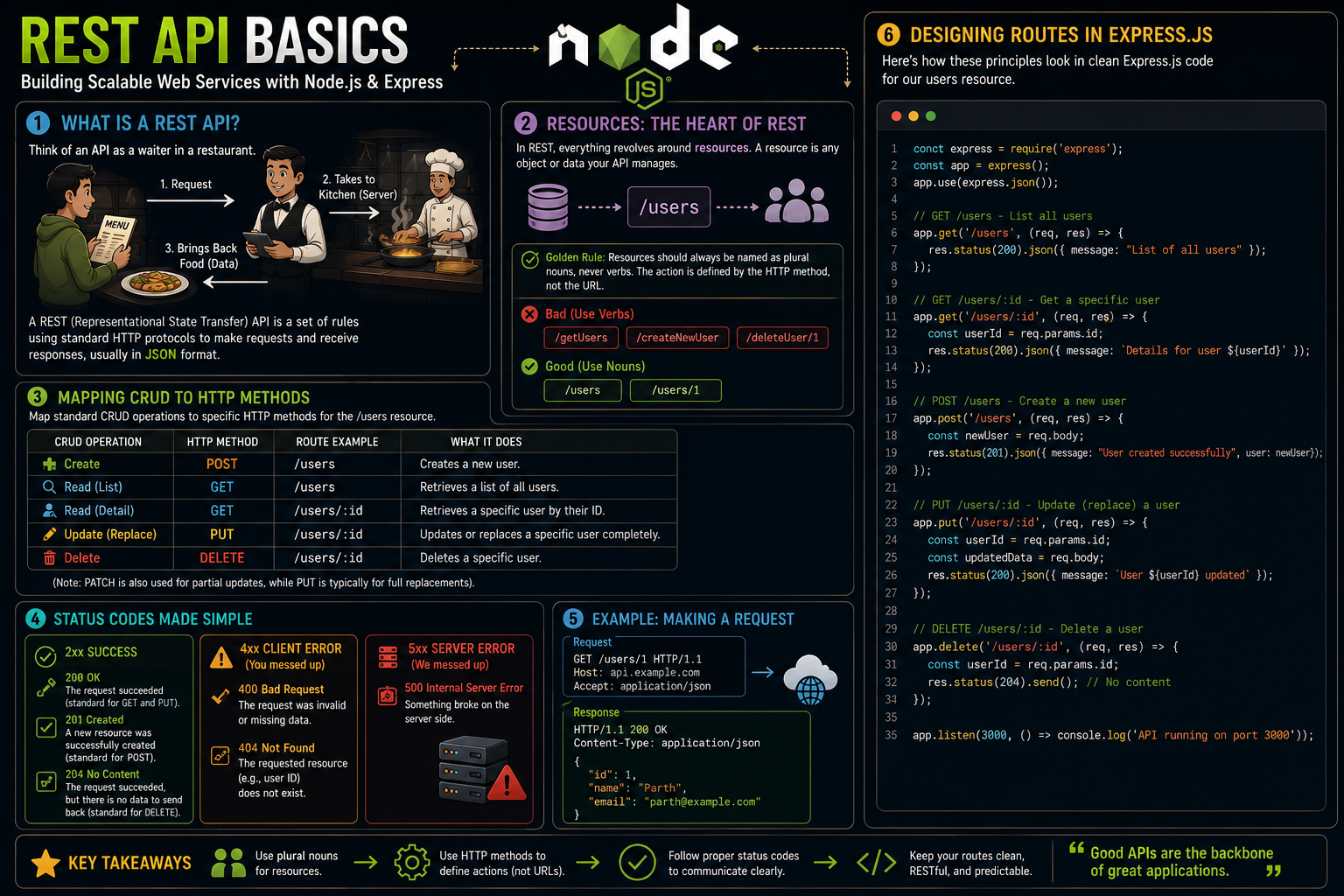
What is a REST API?
Think of an API (Application Programming Interface) as a waiter in a restaurant. You (the client, like a web browser or mobile app) look at the menu and tell the waiter what you want. The waiter takes your request to the kitchen (the server), and then brings the food (the data) back to you.
A REST (Representational State Transfer) API is simply a set of rules for this communication. It uses standard web protocols (HTTP) to make requests and receive responses, usually in JSON format.
Resources: The Heart of REST
In REST architecture, everything revolves around resources. A resource is any object or data your API manages.
Golden Rule: Resources should always be named as plural nouns, never verbs. The action you want to perform is defined by the HTTP method, not the URL.
Bad:
/getUsers,/createNewUser,/deleteUser/1Good:
/users,/users/1
Mapping CRUD to HTTP Methods
To interact with our resources, we map standard CRUD (Create, Read, Update, Delete) database operations to specific HTTP methods.
Here is how that mapping works for our /users resource:
CRUD Operation | HTTP Method | Route Example | What it does |
Create |
|
| Creates a new user. |
Read |
|
| Retrieves a list of all users. |
Read |
|
| Retrieves a specific user by their ID. |
Update |
|
| Updates or replaces a specific user completely. |
Delete |
|
| Deletes a specific user. |
(Note: PATCH is also used for partial updates, while PUT is typically for full replacements).
Status Codes Made Simple
When the server responds, it sends a three-digit HTTP status code to let the client know how the request went.
2xx (Success)
200 OK: The request succeeded (standard for GET and PUT).
201 Created: A new resource was successfully created (standard for POST).
204 No Content: The request succeeded, but there is no data to send back (standard for DELETE).
4xx (Client Error - You messed up)
400 Bad Request: The request was invalid or missing data.
404 Not Found: The requested resource (e.g., user ID) does not exist.
5xx (Server Error - We messed up)
- 500 Internal Server Error: Something broke on the server side.
Designing Routes in Express.js
Here is how these principles look when translated into clean Express.js code for our users resource:
const express = require('express');
const app = express();
app.use(express.json());


app.get('/users', (req, res) => {

    res.status(200).json({ message: "List of all users" });
});


app.get('/users/:id', (req, res) => {
    const userId = req.params.id;
    res.status(200).json({ message: `Details for user ${userId}` });
});

app.post('/users', (req, res) => {
    const newUser = req.body;
    res.status(201).json({ message: "User created successfully", user: newUser });
});


app.put('/users/:id', (req, res) => {
    const userId = req.params.id;
    const updatedData = req.body;
    res.status(200).json({ message: `User ${userId} updated` });
});

app.delete('/users/:id', (req, res) => {
    const userId = req.params.id;
    res.status(204).send();
});

app.listen(3000, () => console.log('API running on port 3000'));


